
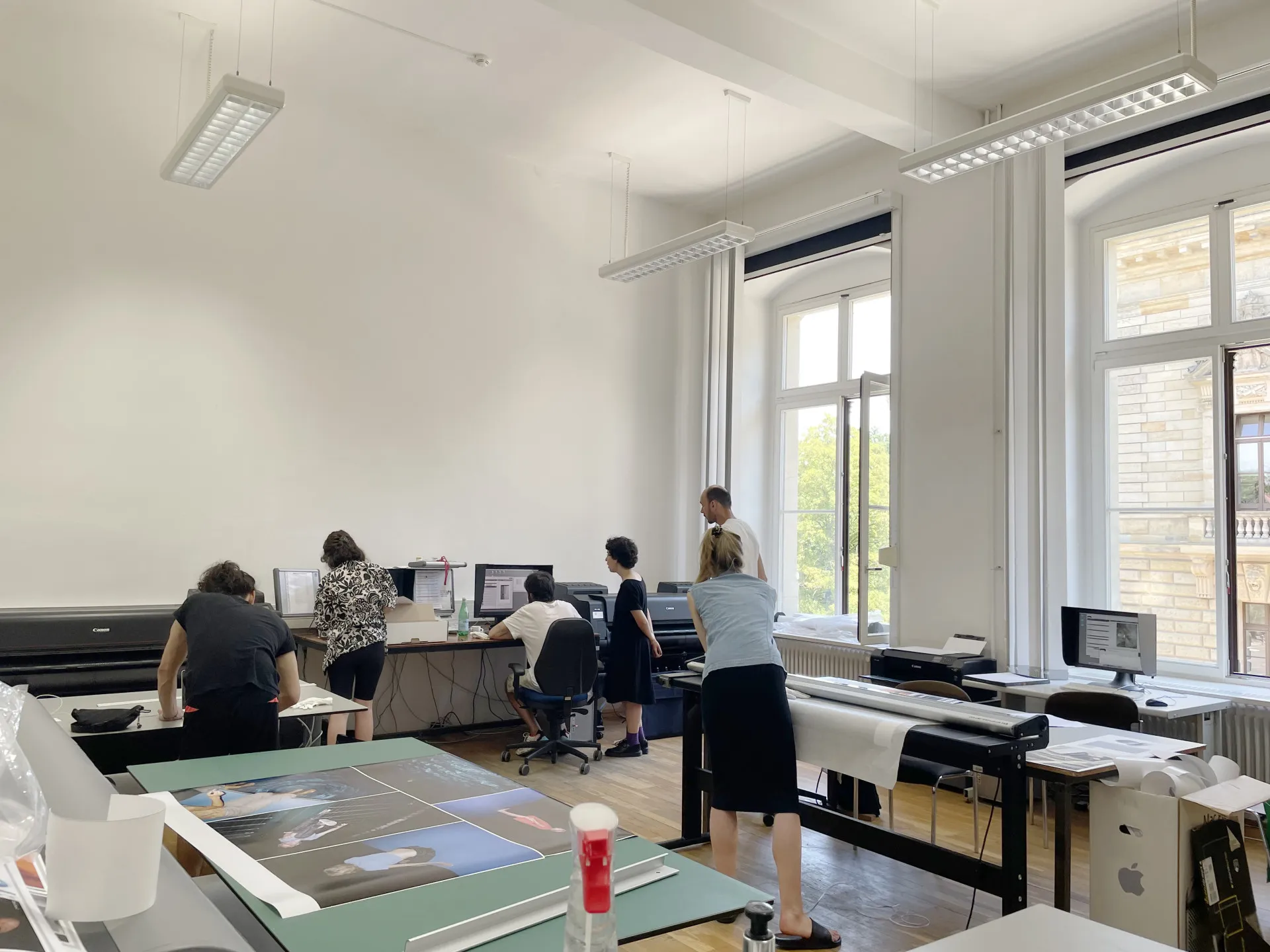
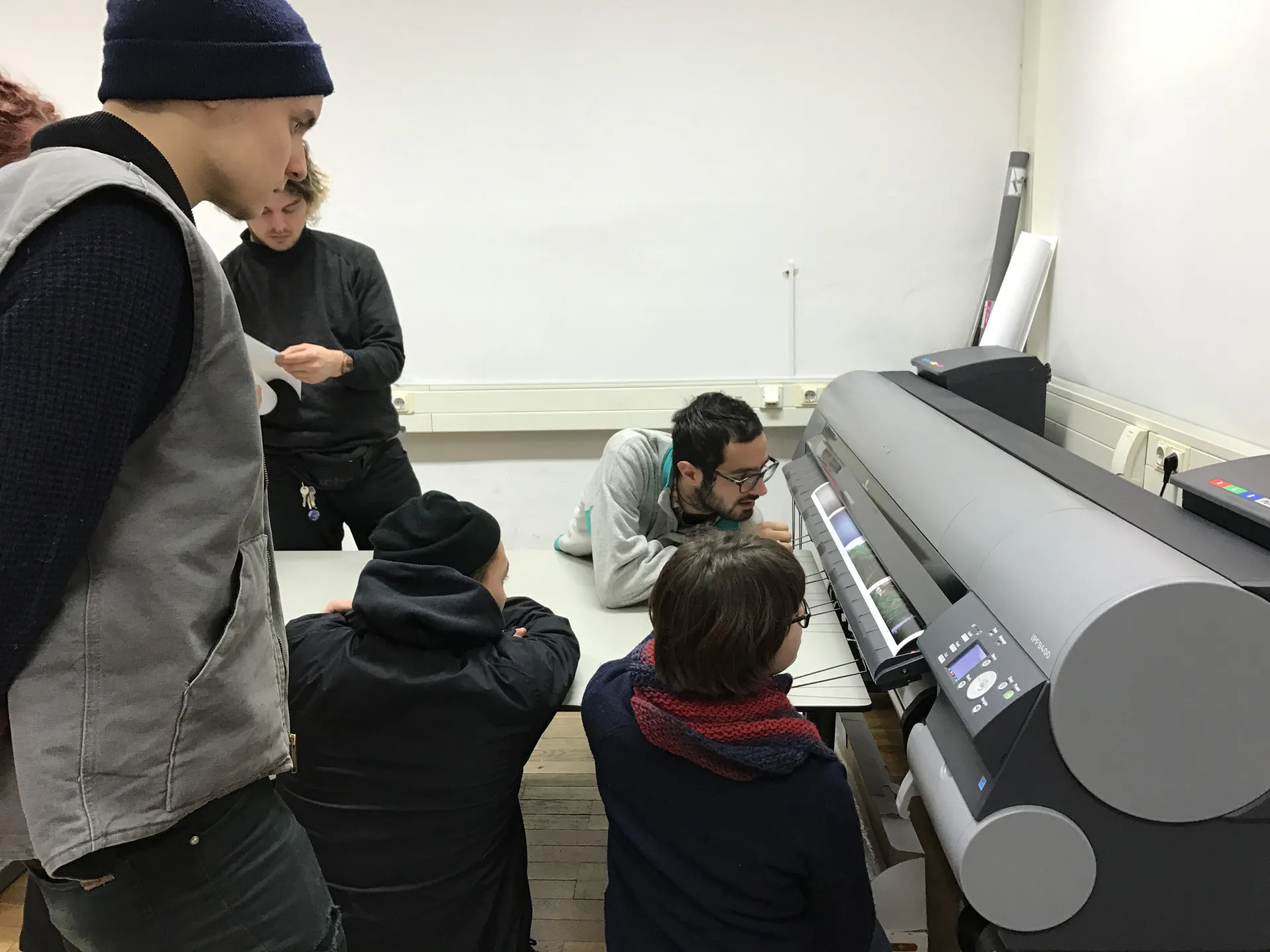
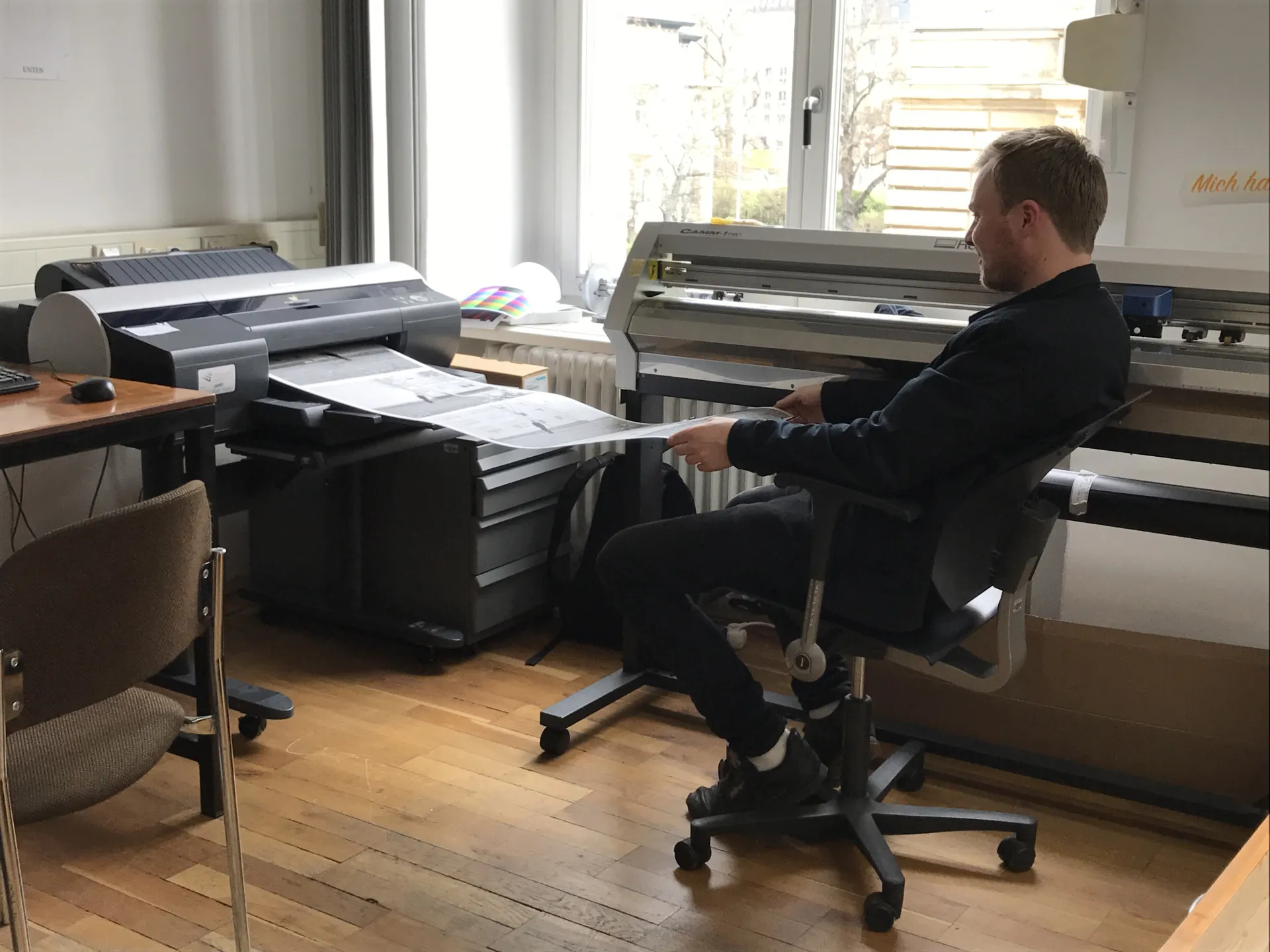
In the Fine Art Print area, all students have the opportunity to print on 12-color pigment printers using 60-inch and 44-inch roll widths, as well as sheet sizes up to DIN A2, on matte, photo, fine art, and specialty papers (e.g., canvas or backlight film).
Schedules for print jobs in the Fine Art Print studio are arranged by verbal agreement. If necessary, schedule a consultation with Kati Liebert or Wataru Murakami for your printing project. The workshop is located on the 1st floor in Room 1.07; the office is in Room 1.08. You can reach us by phone at 0341 2135 -201 (or: -113).
During our conversation, we can clarify:
1. What size and quantity should be printed?
2. What type of paper will be used? (How will the work be presented?)
3. As well as:
Which print-ready files must be brought to the appointment:
- Reduced to the background layer, in 8-bit mode
- Original size in cm, at 300 dpi (minimum 180 dpi) resolution
- File formats: JPEG, TIFF (uncompressed or LZW), PDF
Files can be transferred via the workshop’s internal server, a storage device you bring with you (USB drive), or Nextcloud at http://box.hgb-leipzig.de. Use this to share your print file or folder with fap@hgb-leipzig.de.
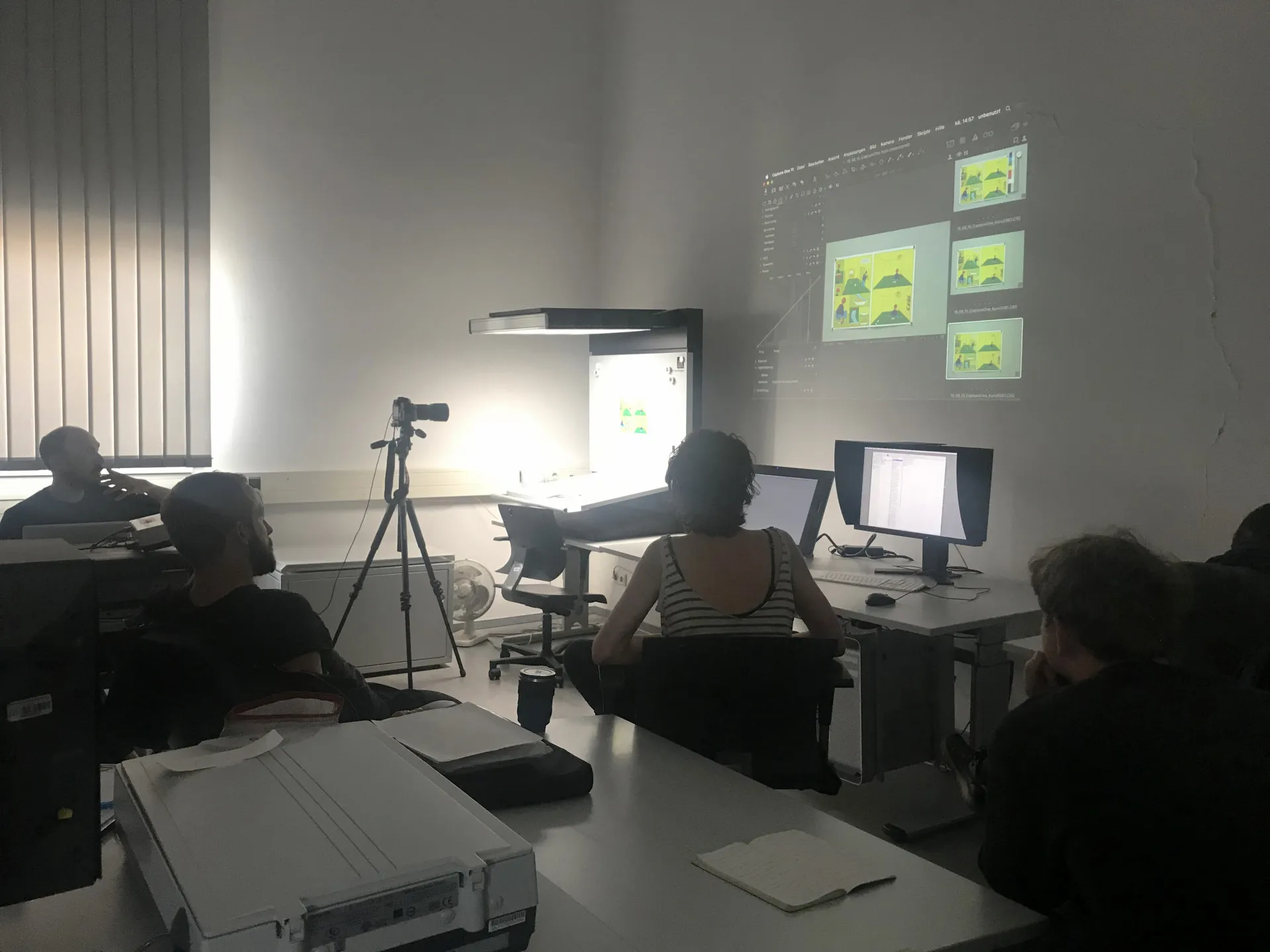
There are eleven workstations available in the scanning and image editing area.
Each workstation is equipped with a hardware-calibrated monitor and a scanner. There are four A4 and three A3+ document and transparency scanners, as well as two Nikon Coolscan and two Hasselblad Flextight film scanners. Additionally, users can work with a graphics tablet or a pen display.
For the development, editing, and optimization of digital images and photographs, in addition to Adobe products such as Photoshop, Lightroom, InDesign, and Illustrator, other alternatives are available for students to try out and learn, including Affinity Photo, Designer, and Publisher; PhotoLine; Capture One; and open-source software such as GIMP, darktable, RawTherapee, and more.
In an elective course, students learn about the workshop’s infrastructure, how to use the equipment, and the basics of digital image editing. Afterward, they use the workshop facilities independently.