


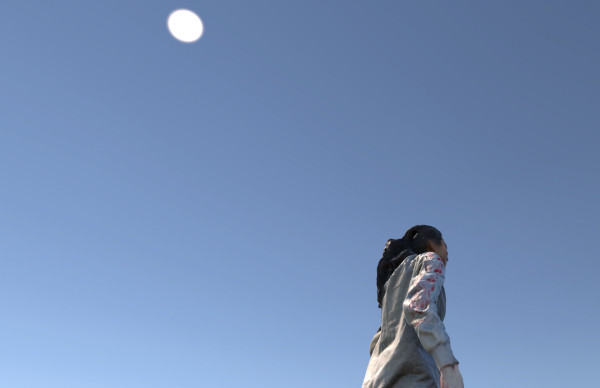


Klasse für Malerei/Grafik von Franziska Reinbothe
Leon Lippe
Blick nach draußen
Öl auf Leinwand, 40x50cm


Klasse für Systemdesign von Maureen Mooren
Bodies


Klasse für Malerei von Michael Riedel
Yevheniia Maior


Klasse für Malerei/Grafik von Kerstin Drechsel
Liza Pushkina
o.T.

Fotografie im Feld der zeitgen. Kunst von Anna Ehrenstein
Jonna Baumann
I RELATE SO MUCH TO YOU BUT I DON'T WANNA BE YOU
Jonna Baumann, Max Grund

Klasse für Illustration von Thomas Matthaeus Müller
Marla Vita Gehrt
PCOS Body
A0 Fineartprint
Meine Arbeite setze ich mich mit dem zwar weit verbreiteten, jedoch recht unbekannten Polycystischen Ovarialsyndrom (PCOS) und seinen Wirkungen auf meinen Körper auseinander. Zwischen 5-10% aller Menschen mit Uterus haben diese Hormonerkrankung.
Meine Arbeite setze ich mich mit dem zwar weit verbreiteten, jedoch recht unbekannten Polycystischen Ovarialsyndrom (PCOS) und seinen Wirkungen auf meinen Körper auseinander. Zwischen 5-10% aller Menschen mit Uterus haben diese Hormonerkrankung.


Grundstudium Malerei/Grafik
Maria Kremer

Klasse für Fotografie von Heidi Specker
Rebecca Häfner
(Take a) glance